NEF to SVG Converter - Transform Nikon RAW Photos to Vectors
Convert Nikon NEF RAW photos to SVG vectors for logos, artwork, and scalable graphics from your Nikon images.
No credit card required • 1 free conversion • Instant results

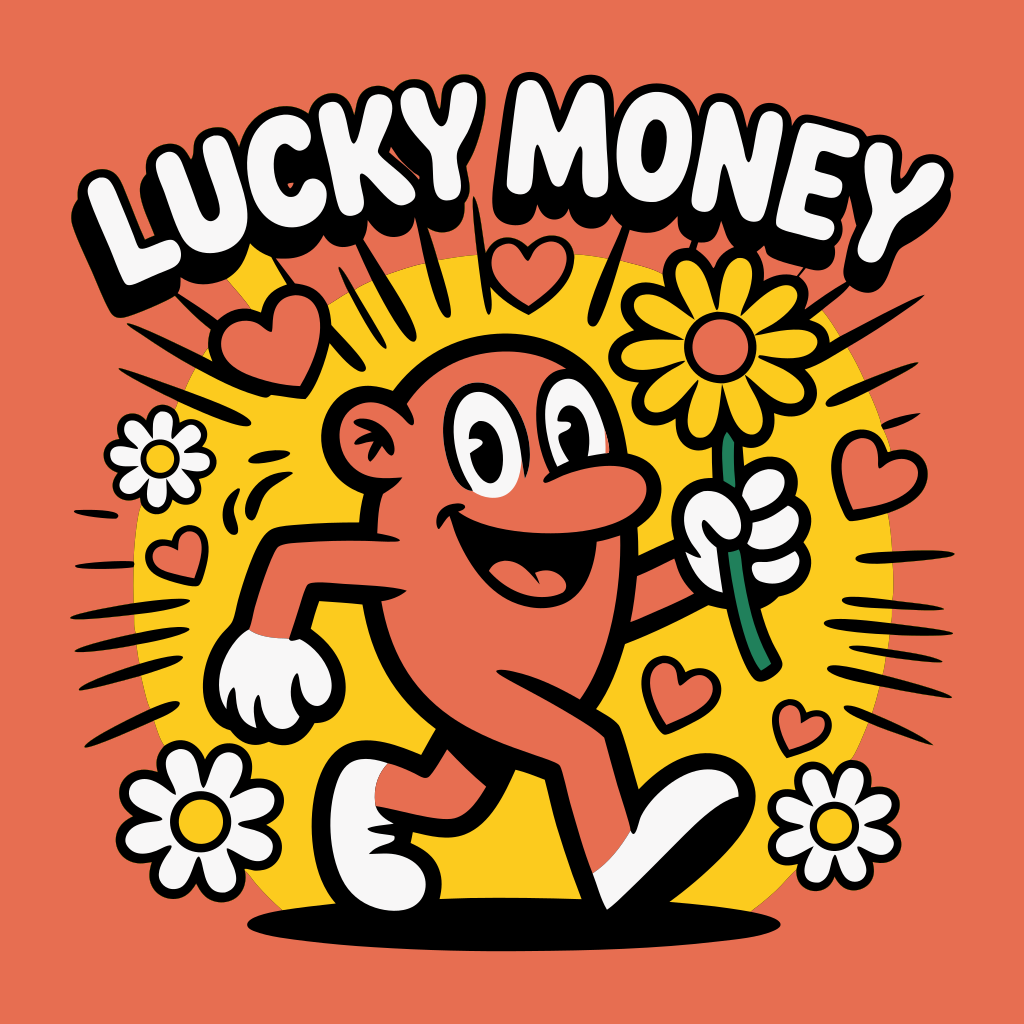
Instant transformation • Zoom to see quality
Experience the Power of Vector Graphics
Zoom in, change colors, scale infinitely - all while maintaining perfect quality

⚠️ Quality loss at 10x zoom
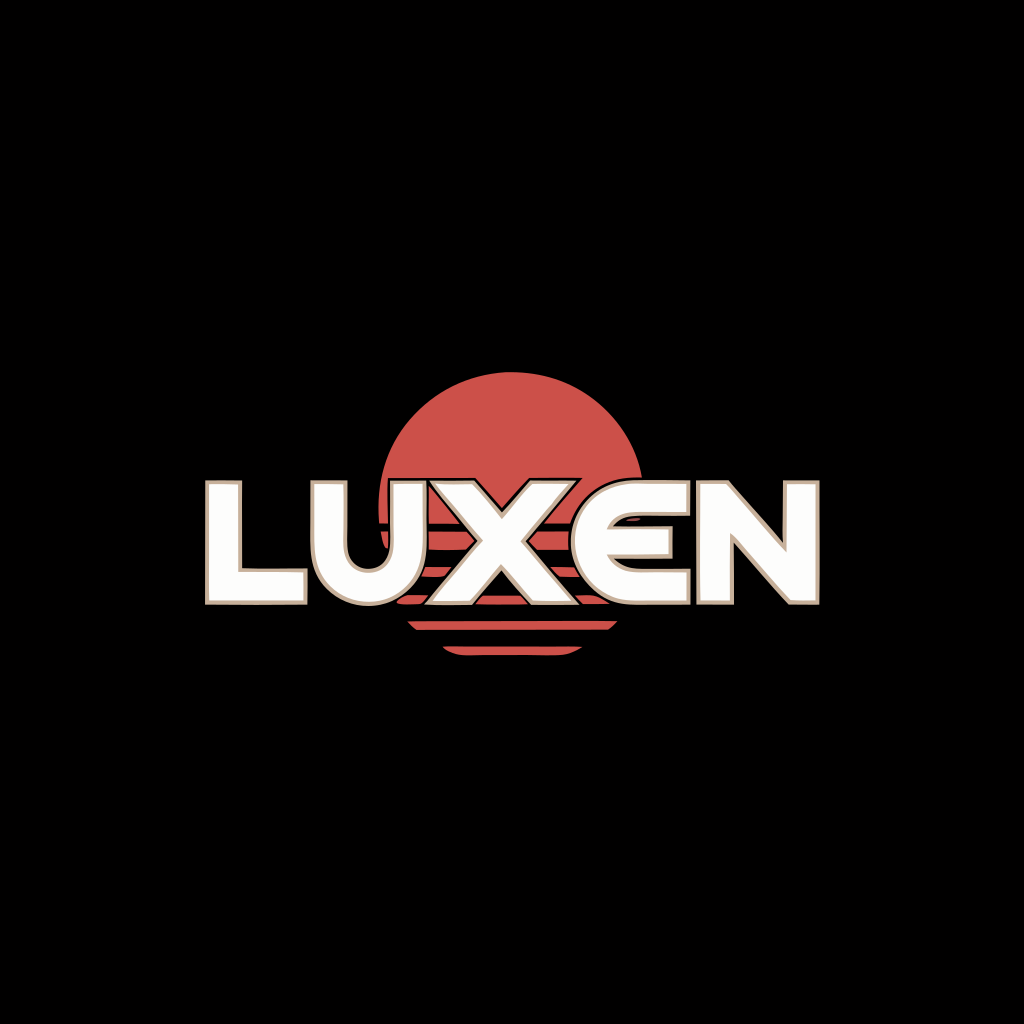
✨ Perfect quality at 10x zoom
Retro Sunset Logo
Infinite Scalability
Zoom in 10x, 100x, or more - SVGs remain perfectly sharp at any size
Dynamic Styling
Change colors instantly with CSS - perfect for theming and branding
Optimized Files
Often smaller than raster images while being infinitely scalable
Why Choose Our Service?
Infinite Scalability
SVG graphics scale perfectly from business cards to billboards without any quality loss, unlike NEF files.
Smaller File Sizes
Vector SVG files are typically 40-60% smaller than NEF equivalents, improving website speed and performance.
Professional Quality
AI-powered conversion creates clean vector paths with smooth edges, perfect for professional use.
Instant Conversion
Transform your NEF images to SVG in seconds with our advanced AI technology.
Web Optimized
SVG format is natively supported by all modern browsers and loads faster than raster images.
Fully Editable
SVG files can be easily modified with design software or code, unlike fixed raster formats.
Everything You Need
“This NEF to SVG converter saved me hours of manual tracing. The quality is incredible and it handles complex graphics perfectly.”
Simple Pricing
Perfect for professionals who need to convert multiple NEF images to scalable vectors.
Get Started NowFrequently Asked Questions
What is the difference between NEF and SVG?
NEF is a raster (pixel-based) format that becomes pixelated when scaled up. SVG is a vector format using mathematical descriptions to create infinitely scalable graphics.
Will my NEF lose quality when converted to SVG?
Our AI-powered conversion actually enhances quality by creating smooth vector paths. The SVG will look better than the original when scaled.
What types of NEF images work best?
Logos, icons, illustrations, and graphics with solid colors convert best. Complex photographs may not benefit as much from vectorization.
Can I edit the SVG after conversion?
Yes! SVG files can be edited in any vector graphics software like Adobe Illustrator, Inkscape, or even with code in a text editor.
How long does NEF to SVG conversion take?
Most conversions complete in under 3 seconds. Complex images with many colors may take up to 10 seconds for optimal quality.
Is there a file size limit?
You can upload NEF files up to 10MB. This is suitable for most logos and graphics.
Ready to Transform Your Images?
Join thousands of professionals using our vectorization service