Describe It. Get an SVG.
Type what you want and the AI generates a native SVG file — real vector paths, not traced rasters. Logos, icons, illustrations, art — infinitely scalable, instantly editable.
Real examples — every SVG below was generated from a text prompt

Mountain Logo
Flat Design
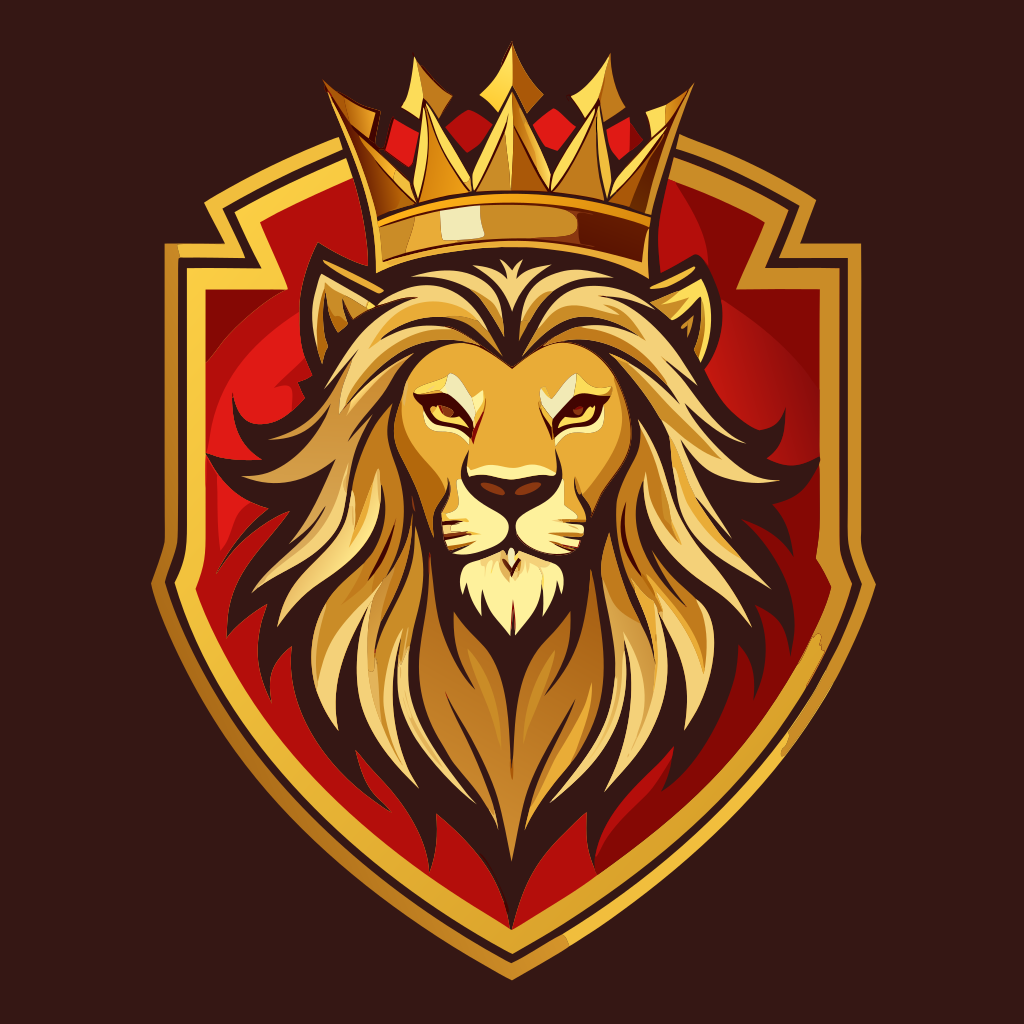
Lion Crest
Vector Art

Coffee Icon
Colored Shapes
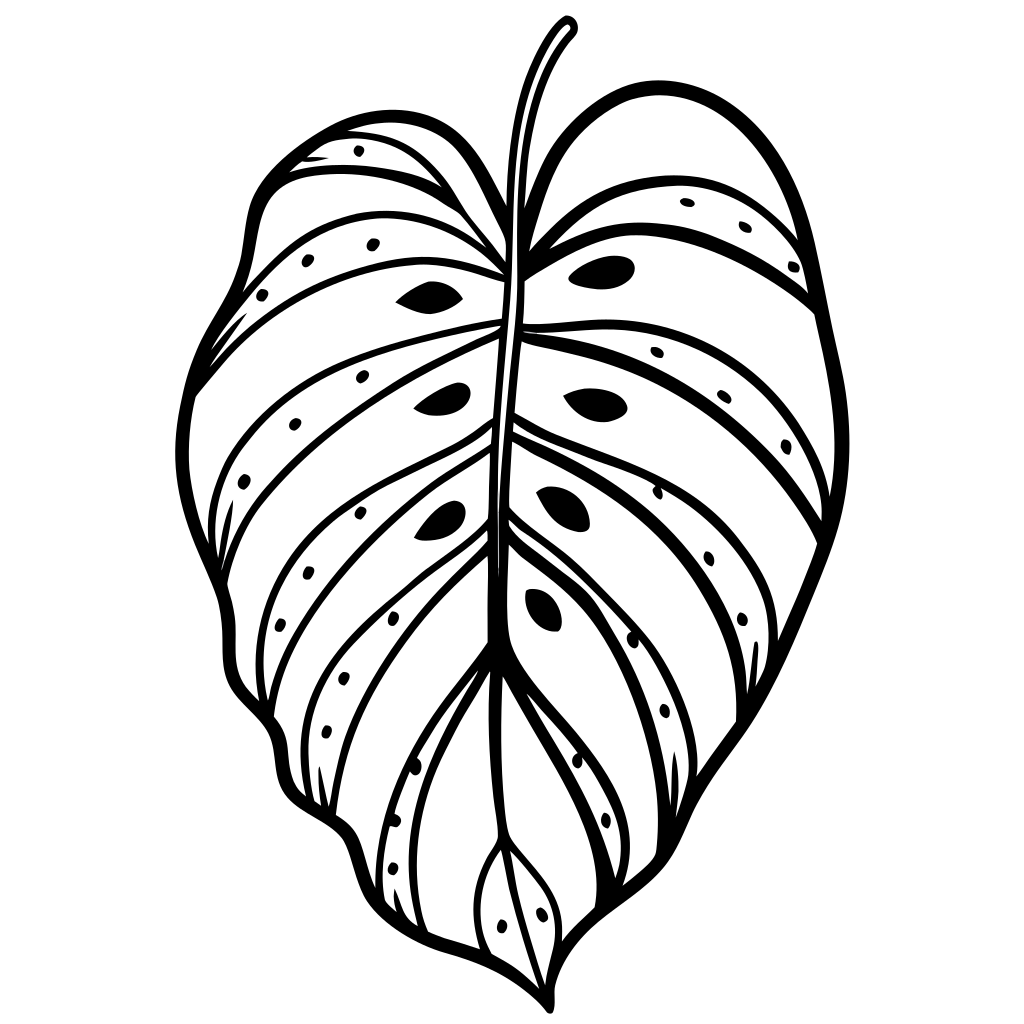
Botanical Leaf
Line Art
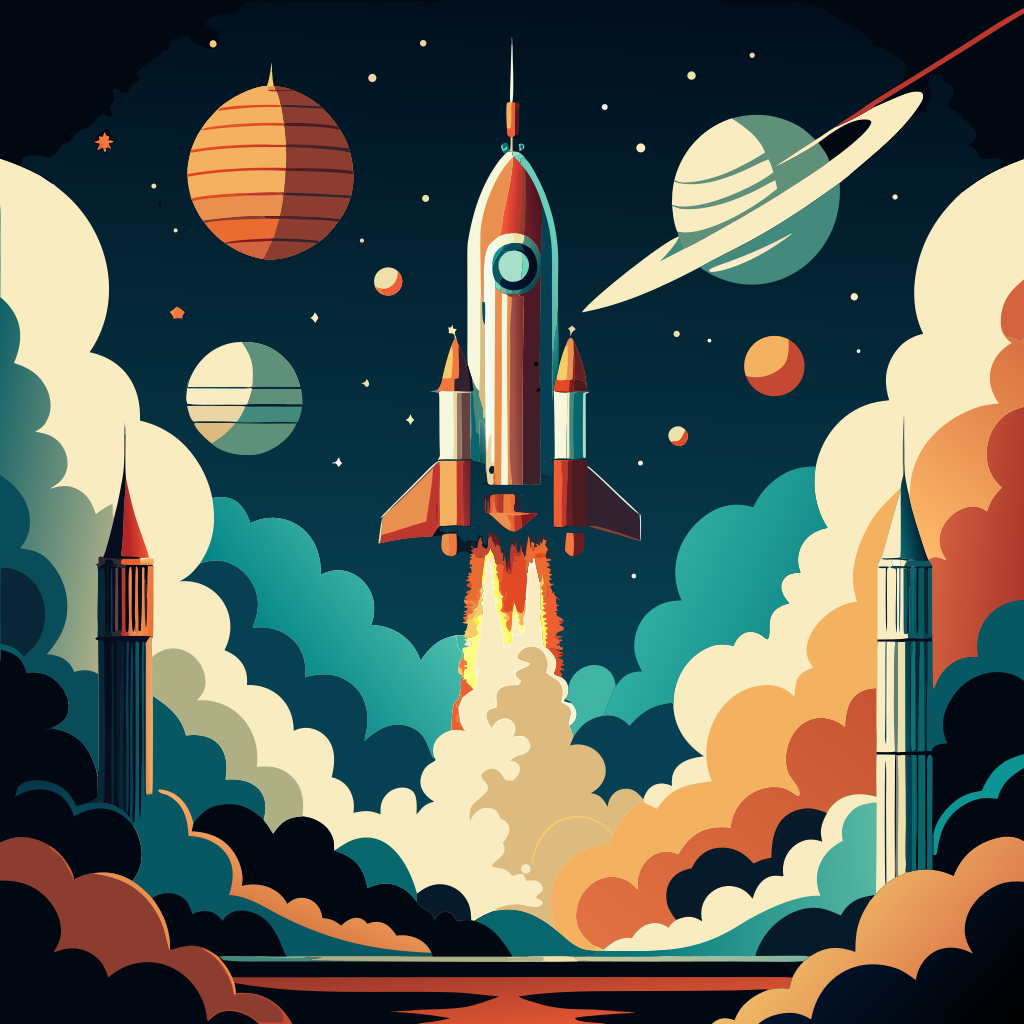
Retro Rocket
Flat Design
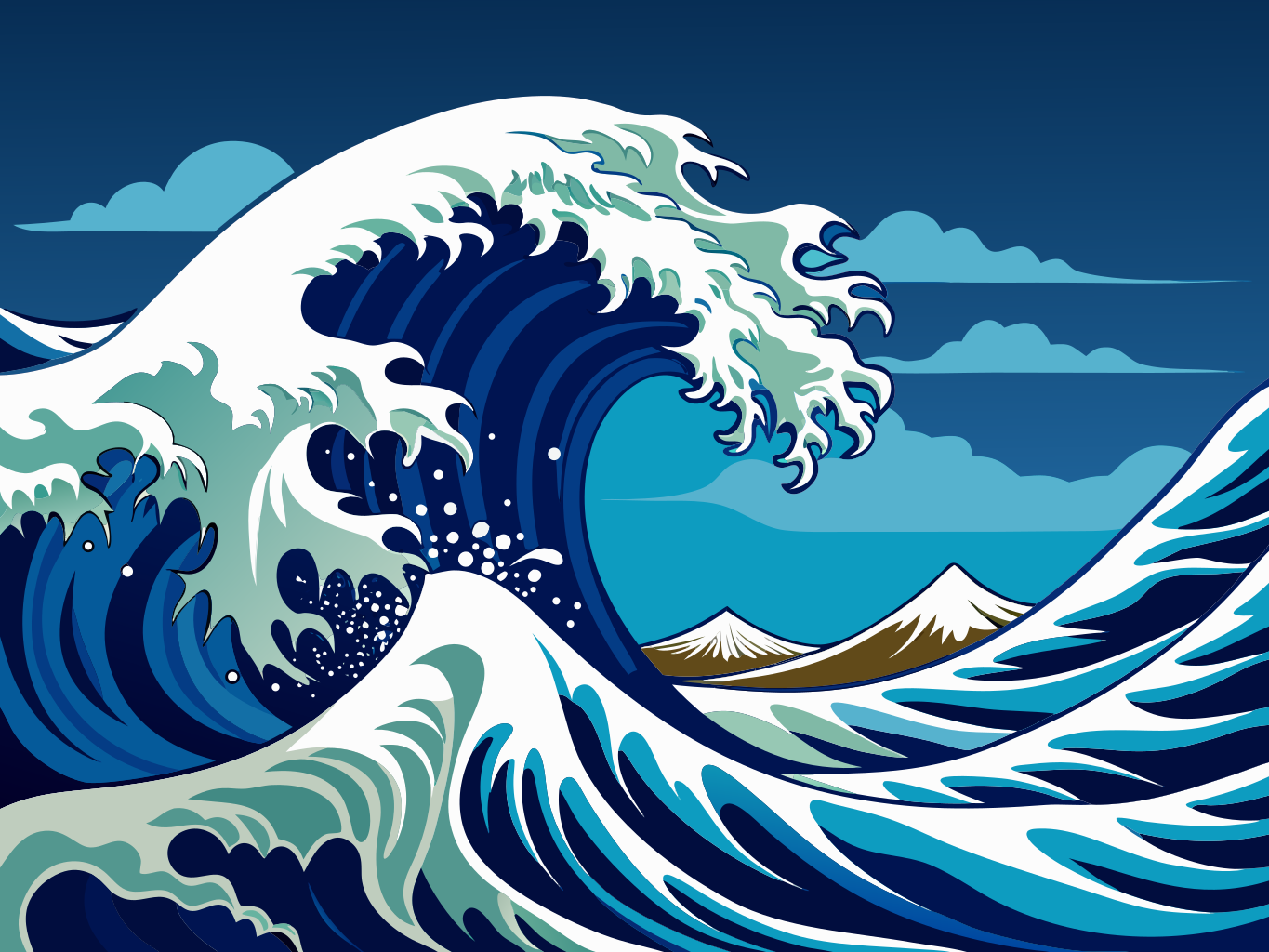
Japanese Wave
Vector Art
How It Works
Describe
Type what you want — a logo, icon, illustration, or any graphic
Choose Style
Pick vector art, digital illustration, icon, or realistic rendering
Generate
AI creates a native SVG with real vector paths in under 60 seconds
Download
Get your SVG file — edit it, scale it, print it, cut it
What You Can Create
From brand assets to craft projects — one tool, endless possibilities
Brand & Logo Concepts
Generate logo ideas in seconds. Describe your brand and get vector starting points you can refine in Illustrator or Figma.
Web & App Icons
Create SVG icons that load instantly and scale perfectly on any screen. Native vector — no blurry PNGs.
Print-Ready Graphics
SVG output scales to any size without pixelation. Business cards to billboards — one file, infinite resolution.
Cricut & Vinyl Cutting
Generate cut-ready SVG files for Cricut, Silhouette, and other cutting machines. Clean paths, ready to cut.
Illustrations & Art
Create digital illustrations, botanical art, abstract patterns, and decorative graphics as editable vector files.
Social & Marketing
Generate unique graphics for social media, presentations, and marketing materials. Stand out with custom vector art.
Why Native SVG Matters
Real Vector Paths
Not a traced bitmap — the AI generates actual SVG paths. Every element is a real vector you can select, recolor, and reshape.
No Design Skills Needed
Describe what you want in plain English. The AI handles composition, style, and vector optimization.
Fully Editable Output
Open in Illustrator, Figma, Inkscape, or any SVG editor. Change colors, resize elements, adjust paths — it's your file.
Generate SVG from Text with AI
FreeSVGConverter's AI SVG Generator creates native vector graphics from text descriptions. Unlike image-to-SVG tracing, this tool generates real SVG paths directly — no raster conversion needed. Describe your logo, icon, illustration, or graphic and download a scalable SVG file in seconds.
AI-Generated SVG for Designers
Need a quick icon, illustration, or logo concept? Describe it in plain English and the AI generates a publication-ready SVG. Use it as a starting point in Figma, Illustrator, or Inkscape — or use it as-is for web, print, or Cricut projects. Each generation costs 2 credits.
Text to Vector Art Online
Traditional vectorization converts existing raster images to SVG. The AI SVG Generator skips that step entirely — it creates vector art from scratch based on your text prompt. Choose from realistic, digital illustration, vector art, or icon styles to get the look you need. The output is a clean SVG file that scales to any size without pixelation.
SVG Generator for Cricut and Craft Machines
Create custom SVG cut files for Cricut, Silhouette, and other cutting machines. Describe a monogram, floral design, holiday graphic, or any shape — the AI generates a clean SVG with vector paths ready for Design Space. No tracing, no cleanup, no Illustrator required.