AI SVG Generator — Create Vector Art from Text Prompts
Describe what you want and the AI generates a native SVG file with real vector paths. Create logos, icons, illustrations, patterns, and Cricut-ready cut files — no Illustrator, no design experience, no tracing needed.
No credit card required • 1 free conversion • Instant results

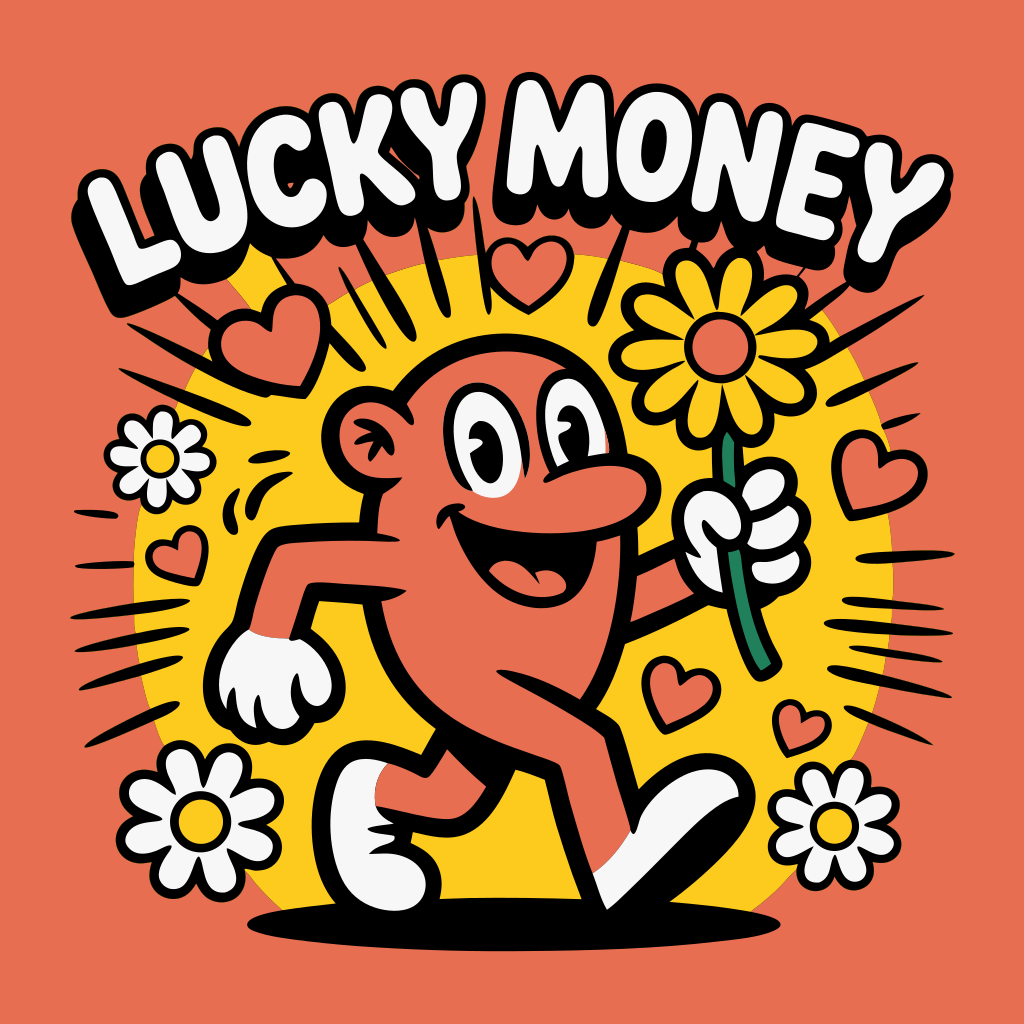
Instant transformation • Zoom to see quality
Experience the Power of Vector Graphics
Zoom in, change colors, scale infinitely - all while maintaining perfect quality

⚠️ Quality loss at 10x zoom

✨ Perfect quality at 10x zoom
Retro Sunset Logo
Infinite Scalability
Zoom in 10x, 100x, or more - SVGs remain perfectly sharp at any size
Dynamic Styling
Change colors instantly with CSS - perfect for theming and branding
Optimized Files
Often smaller than raster images while being infinitely scalable
Why Choose Our Service?
Native SVG Output
Not a traced raster image — the AI generates real SVG vector paths from scratch. Every shape, line, and curve is a true vector element you can select, edit, and scale infinitely.
No Design Skills Needed
Type a description in plain English: 'a mountain logo with sunrise' or 'a cute cat icon.' The AI handles composition, color, style, and vector optimization automatically.
4 Art Styles
Choose Vector Art for clean graphics, Digital Illustration for rich detail, Icon/Logo for simple shapes, or Realistic for photographic-style vectors. Match the output to your project.
Under 60 Seconds
Describe your graphic and get a downloadable SVG file in under a minute. No queue, no rendering wait — AI generates and delivers your vector art immediately.
Fully Editable Files
Downloaded SVGs open in any vector editor — Illustrator, Figma, Inkscape, Affinity Designer. Change colors, move elements, adjust paths, add text. It's your file to customize.
Cricut & Cut Machine Ready
Generated SVGs have clean vector paths suitable for Cricut, Silhouette, and other cutting machines. Upload directly to Design Space — no cleanup or manual tracing required.
Everything You Need
“I needed 20 custom icons for a client's app. Instead of spending hours drawing each one, I described them and got usable SVGs in minutes. A few tweaks in Figma and they were production-ready. This tool paid for itself on the first project.”
Simple Pricing
Each SVG generation uses 2 credits. Start with a free credit on signup. Combine with our vectorizer and background remover for the complete design toolkit.
Get Started NowFrequently Asked Questions
What is an AI SVG generator?
An AI SVG generator creates native vector graphics (SVG files) from text descriptions. Instead of drawing vectors by hand or tracing raster images, you describe what you want — like 'a mountain logo' or 'a floral pattern' — and the AI generates a real SVG file with vector paths, shapes, and colors.
Is the output actually SVG, or is it a raster image?
It's a real SVG file with native vector paths. This is not a PNG embedded in an SVG wrapper, and it's not a traced bitmap. The AI generates actual SVG elements — paths, shapes, and curves — that you can edit in any vector editor and scale to any size without pixelation.
Can I use the generated SVGs commercially?
Yes. All SVGs generated through FreeSVGConverter are cleared for commercial use. Use them for client projects, products, marketing materials, merchandise, or any other commercial purpose.
Can I edit the SVG after downloading?
Absolutely. The SVG opens in any vector editor — Adobe Illustrator, Figma, Inkscape, Affinity Designer, Sketch, or even a code editor. You can change colors, resize elements, modify paths, add text, and customize the file however you need.
Will the SVGs work with Cricut?
Yes. The generated SVGs contain clean vector paths that Cricut Design Space can read. You can upload them directly for cutting on vinyl, HTV, cardstock, and other materials. For best results, use the Icon/Logo style which produces simpler, cleaner paths.
How is this different from image-to-SVG conversion?
Image-to-SVG conversion (vectorization) traces an existing raster image to create vector paths. The AI SVG Generator creates vectors from scratch — there's no source image to trace. You describe what you want, and the AI generates original vector art directly as SVG.
What art styles are available?
Four styles: Vector Art (clean, flat graphics ideal for logos and icons), Digital Illustration (rich detail and shading), Icon/Logo (simple geometric shapes with bold lines), and Realistic (photographic-quality rendering in vector format).
How many credits does each generation cost?
Each SVG generation costs 2 credits. You get 1 free credit on signup. Credit packs start at $2.99 for 5 credits (enough for 2 generations) up to $39.99 for 500 credits.
Ready to Transform Your Images?
Join thousands of professionals using our vectorization service