SVG Color Separator - Split Colors into Layers Instantly
Separate SVG colors into individual layers for screen printing, multi-color vinyl cutting, and embroidery digitizing. Upload any image, get color-separated SVG layers in seconds.
No credit card required • 1 free conversion • Instant results

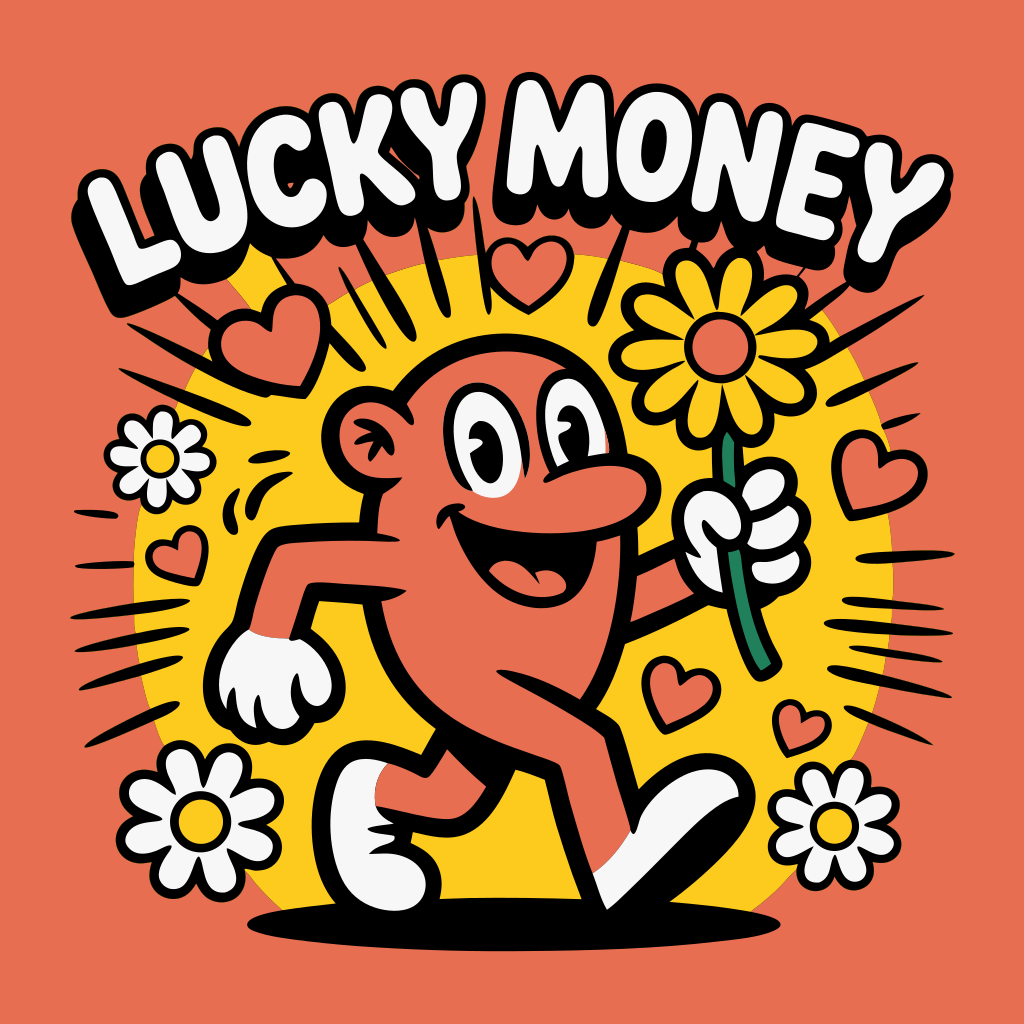
Instant transformation • Zoom to see quality
Experience the Power of Vector Graphics
Zoom in, change colors, scale infinitely - all while maintaining perfect quality

⚠️ Quality loss at 10x zoom

✨ Perfect quality at 10x zoom
Retro Sunset Logo
Infinite Scalability
Zoom in 10x, 100x, or more - SVGs remain perfectly sharp at any size
Dynamic Styling
Change colors instantly with CSS - perfect for theming and branding
Optimized Files
Often smaller than raster images while being infinitely scalable
Why Choose Our Service?
Automatic Color Detection
AI identifies and separates each color in your design into its own layer automatically.
Individual Layers
Each color becomes a separate SVG layer — perfect for screen printing plates or vinyl layers.
Screen Print Ready
Output files ready for film positives. Each layer is a spot color separation for your screen.
Multi-Layer Vinyl
Separate colors for layered vinyl projects — cut each color from different vinyl and layer them.
Instant Download
Download separated layers as individual SVG files or a single multi-layer SVG instantly.
Fast Processing
AI-powered separation takes seconds, not hours. No manual tracing or color picking required.
Everything You Need
“This saved me hours of color separation work for screen printing. Upload the design, get perfectly separated layers. Each color comes out as its own clean SVG layer ready for film positives.”
Simple Pricing
Perfect for print shops and crafters who need color-separated files regularly.
Get Started NowFrequently Asked Questions
How does color separation work?
Our AI analyzes your image, identifies each distinct color region, and creates a separate SVG layer for each color. Each layer contains only the paths for that specific color, making it ready for screen printing, vinyl cutting, or embroidery.
Can I use this for screen printing?
Yes! Each color layer is output as a separate SVG file suitable for creating film positives. The layers have clean, solid paths without anti-aliasing artifacts — exactly what screen printers need.
How many colors can it separate?
Our tool can separate designs with up to 12+ distinct colors. For screen printing, we recommend keeping designs to 6 or fewer colors for practical production. The AI will merge similar colors if needed.
Does this work for multi-layer vinyl?
Absolutely! Cut each color layer from different colored vinyl and layer them together. The SVG layers are aligned so they register perfectly when stacked.
Can I use separated layers for embroidery?
Yes. Color-separated SVG layers provide a clean reference for embroidery digitizing. Each layer maps to a thread color, making the digitizing process faster and more accurate.
Ready to Transform Your Images?
Join thousands of professionals using our vectorization service
Color Separation for Screen Printing SVG
Color separation for screen printing converts a multi-color design into individual single-color layers, each representing one screen in the printing process. Our tool automatically separates your image into spot colors — each SVG layer contains only the paths for one color, ready to be printed as a film positive. This eliminates hours of manual separation work in Illustrator or Photoshop and produces cleaner results for simple to moderately complex designs.
How to Separate SVG Colors for Vinyl Cutting
To separate SVG colors for vinyl cutting, upload your design and our AI splits it into individual layers by color. Cut each layer from the matching colored vinyl using your Cricut, Silhouette, or other vinyl cutter. The layers are precisely aligned so they register perfectly when layered on your substrate. This technique is essential for multi-color HTV (heat transfer vinyl) projects like custom t-shirts, where each color must be cut and pressed separately.